


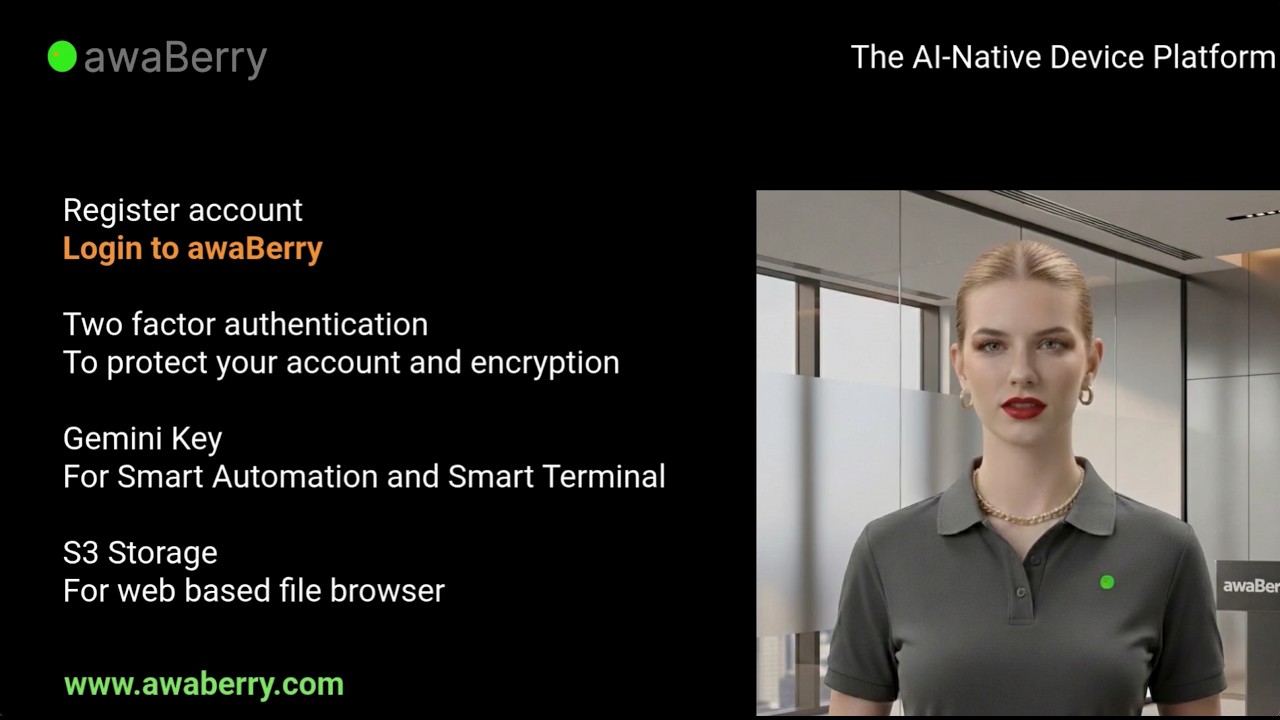
Our latest tutorial is now live — and if you are just getting started with awaBerry, this is the one to watch. I walk through the entire onboarding process from start to finish, so you have everything configured and ready to use before the video ends.
What the Tutorial Covers
Getting started with awaBerry involves a few essential steps that unlock the full platform. This tutorial covers all of them:
Account Registration
I show how to choose a plan — including the free Freemium option — and sign up via email or Google. The verification step uses a TAN code sent to your inbox, so the process is fast and secure from the very beginning. Not sure which plan fits you? The Plans page has a full comparison.
Two-Factor Authentication (2FA)
Security is at the core of awaBerry, and the 2FA setup reflects that. The tutorial covers how to download and safely store your private key, generate your hash key as a 2FA password, and add your credentials to a password manager so you are never locked out. This is a step many users rush through — the video makes sure you do it properly.
Google Gemini API Key
The Smart Automation Framework, the Smart Terminal, and AI-powered file tasks all rely on your Google Gemini API key. I demonstrate how to generate a key from Google AI Studio and add it to your awaBerry account. Once this is in place, AI-native features are available across all your connected devices.
S3 Storage Configuration
The web-based file browser in awaBerry Remote supports uploads and downloads via S3-compatible cloud storage. The tutorial shows how to connect your preferred provider — AWS, Cloudflare R2, Backblaze B2, DigitalOcean Spaces, Ionos, or any S3-compatible endpoint — so your storage is immediately accessible wherever you are.
Who This Is For
This tutorial is aimed at new awaBerry users who want to complete their setup correctly the first time. It is also useful if you are onboarding a colleague or setting up awaBerry on a new account — the video is concise and covers only what matters.
If you have already registered and want to go further, the User Manual covers every feature in depth, and the Tutorials page has the full video library.
Watch on YouTube: https://www.youtube.com/watch?v=xVyaVaGVvSo
Ready to get started? Explore awaBerry Anywhere →



