

User Manual
awaBerry | General Settings
The General Settings screen provides application-wide preferences including language selection and other user configuration options.
General Settings
Summary
The General Settings screen is accessible via the /user_settings route and presents the user's configurable application preferences. It sets the session view to "user_settings" and renders within the standard page skeleton with the sidebar menu. This screen hosts general preferences such as language selection and other account-level settings distinct from licence, S3, or API key configuration.
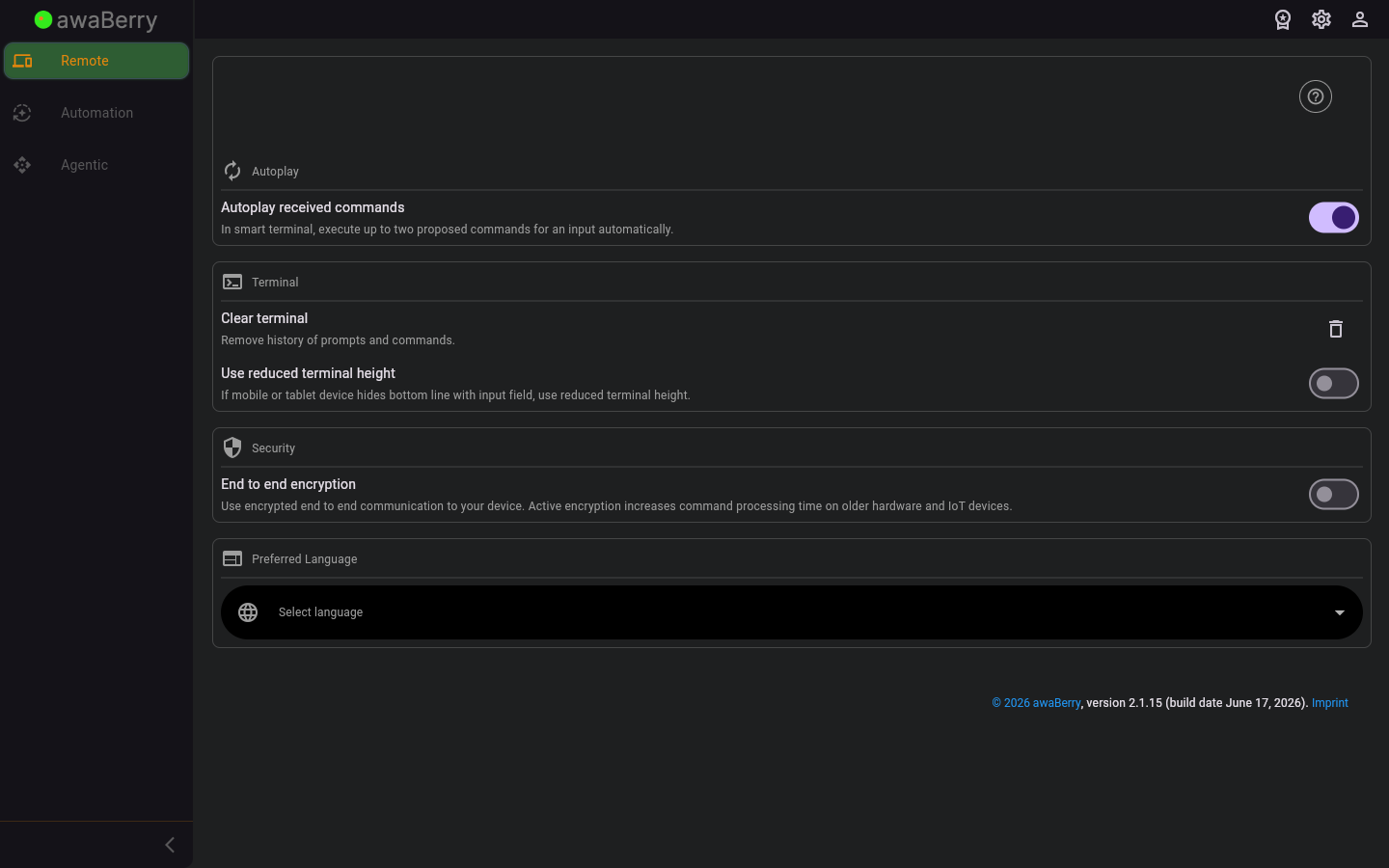
Screen on arrival
Page Functionalities
- Session view key: Sets "user_settings" so that the page skeleton renders the correct content panel for general settings.
- Page skeleton with sidebar menu: Provides the standard navigation sidebar allowing the user to switch to other sections of the application.
Scenario: Accessing general settings
- Click on the settings or user menu item in the sidebar.
- Select General Settings to navigate to
/user_settings. - The general settings panel is shown inside the standard page layout.
- Adjust any preferences and they are applied immediately or on save, depending on the setting.

