

User Manual
awaBerry | System Monitor
Real-time system monitoring screen displaying CPU, memory, disk, and network metrics for the selected device.
System Monitor
Summary
The System Monitor screen provides real-time visibility into the health and performance of the selected device. It displays live metrics for CPU usage, memory consumption, disk space, and network throughput. The view is rendered inside the application shell under the systemmonitor session key.
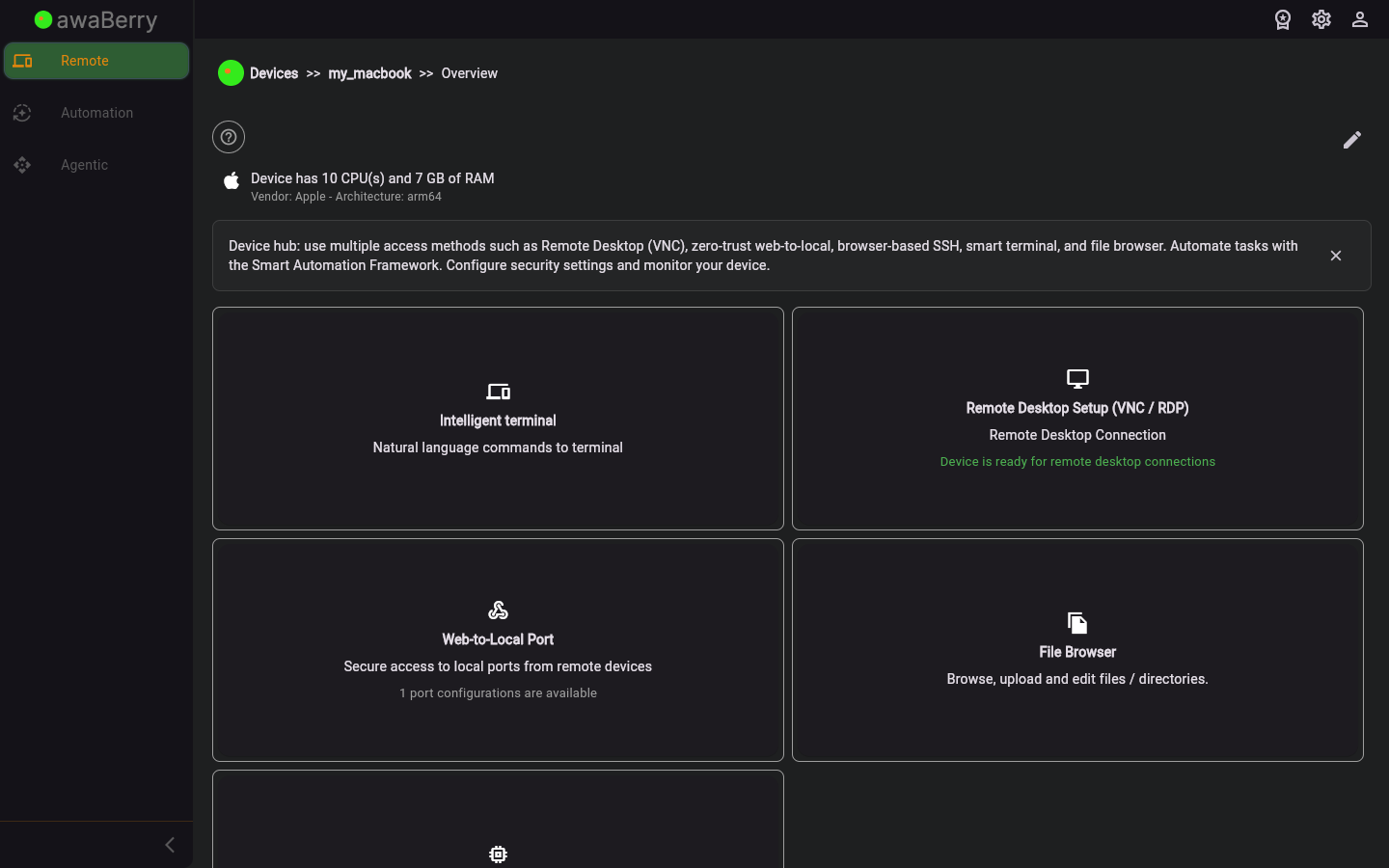
Screen on arrival
Page Functionalities
- CPU usage gauge — Shows current CPU utilisation as a percentage with a live-updating chart.
- Memory usage gauge — Displays total, used, and free RAM in MB/GB.
- Disk usage panel — Lists mounted filesystems with used and available space.
- Network throughput — Shows inbound and outbound network traffic rates in real time.
- Process list — Optionally lists top running processes by CPU or memory usage.
- Refresh control — Automatically polls the device at regular intervals; manual refresh option also available.
Scenarios
Monitor device performance
- From the device configuration panel, click the System Monitor tab to navigate to
/devices_systemmonitor. - The screen connects to the device and begins streaming live metrics.
- Review CPU, memory, disk, and network panels to identify resource bottlenecks.
- Navigate away when done; the polling stops automatically.

