

User Manual
awaBerry | Device Security
Device security settings screen for managing firewall rules and security configuration of the selected device.
Device Security
Summary
The Device Security screen allows you to configure security-related settings for the selected device. This includes managing firewall rules to control which network ports are open or blocked, and reviewing the device's security posture. The view is loaded inside the application shell under the security session key.
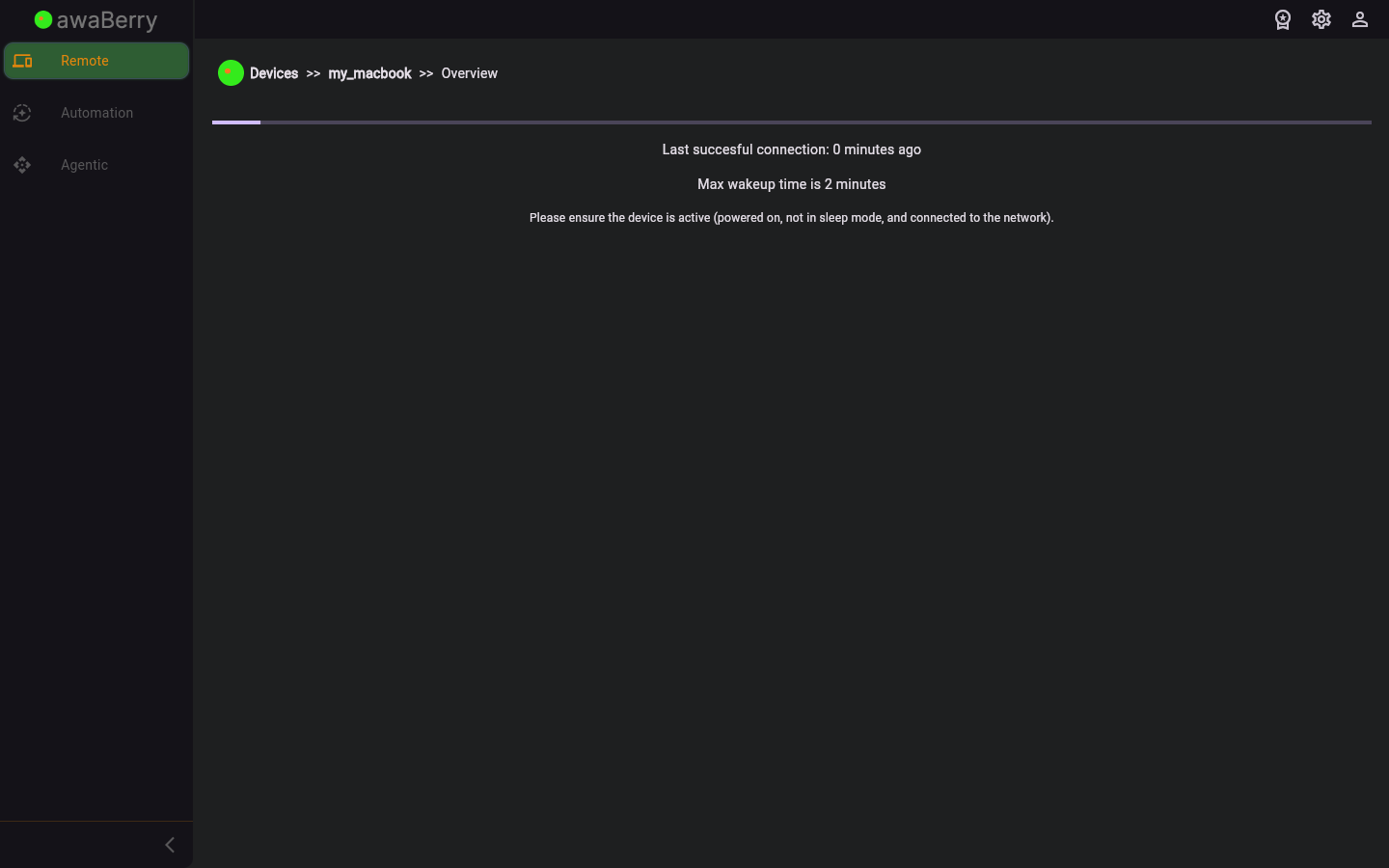
Screen on arrival
Page Functionalities
- Firewall rules list — Displays current inbound and outbound firewall rules configured on the device.
- Add firewall rule — Form to create a new port-based rule specifying protocol, port, and allow/deny action.
- Delete firewall rule — Removes an existing rule from the device firewall.
- Security status overview — Summary of the device's current security state (e.g., SSH service running, firewall enabled).
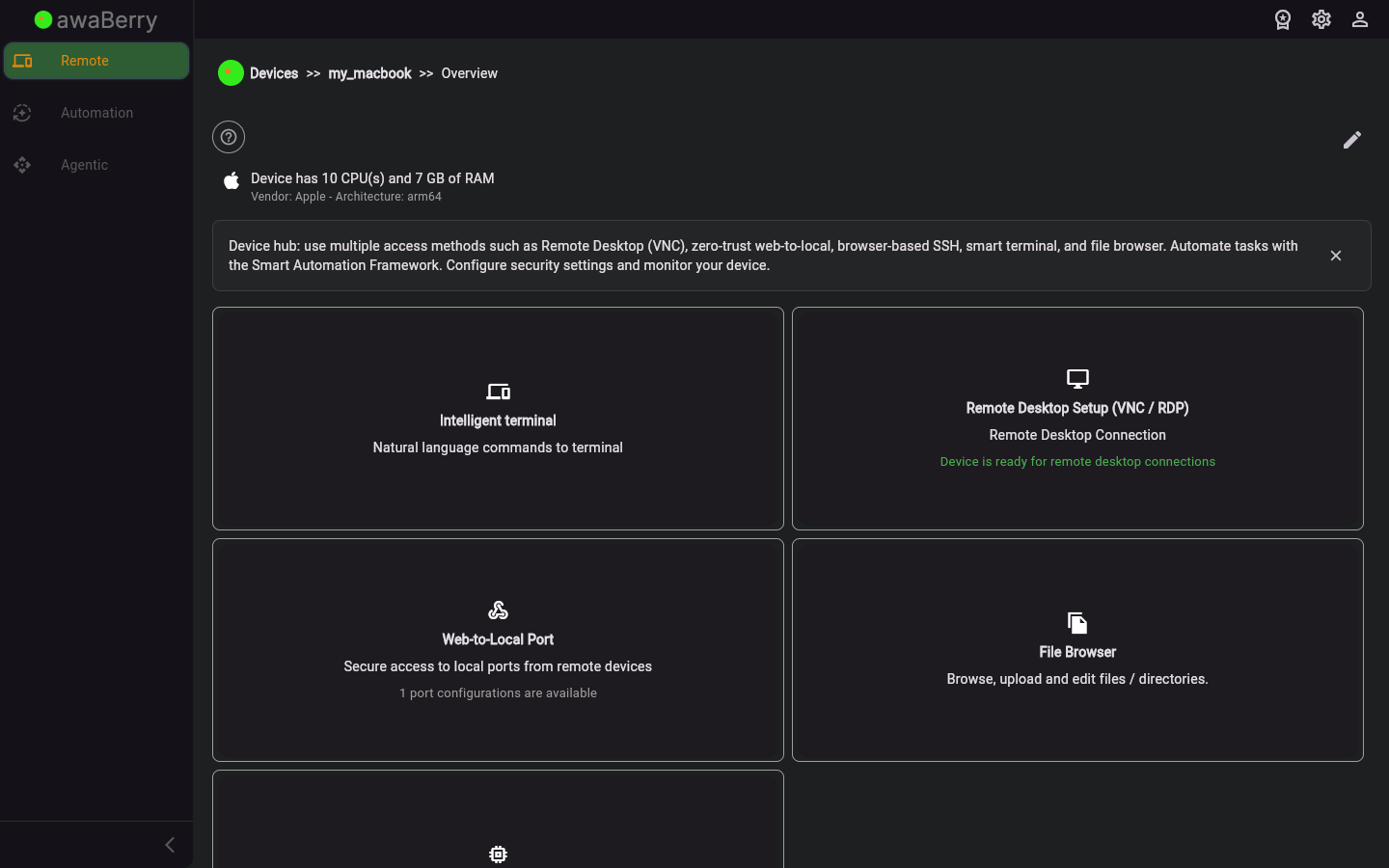
Screen after interaction
Scenarios
Add a firewall rule to block a port
- From the device configuration panel, click the Security tab to navigate to
/devices_security. - Review the current list of firewall rules.
- Click Add Rule and fill in the port, protocol (TCP/UDP), and action (block).
- Save the rule; it is applied to the device's firewall.

