

User Manual
awaBerry | Remote Desktop (VNC/RDP)
Remote desktop screen that streams the graphical desktop of the selected device via VNC or RDP.
Remote Desktop (VNC/RDP)
Summary
This screen provides a graphical remote desktop session to the selected device using VNC or RDP. The view is embedded in the application shell under the devices_vnc session key. Use it to interact with the device's graphical interface directly from your browser.
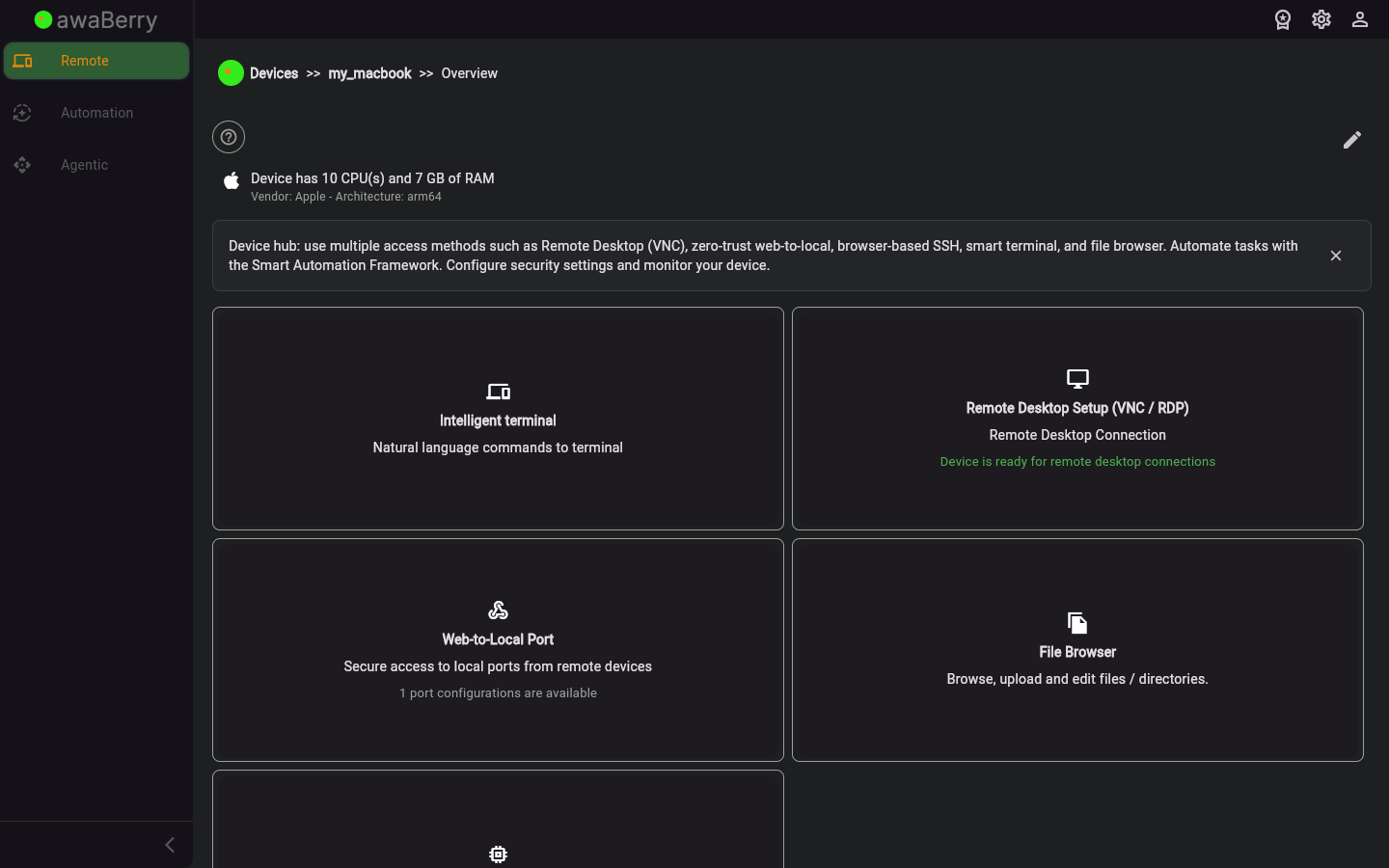
Screen on arrival
Page Functionalities
- VNC/RDP canvas — Renders the remote device's graphical desktop inside the application shell; supports mouse and keyboard input forwarding.
- Connection controls — Start, pause, and disconnect the remote desktop session.
- Display scaling — Adjusts the canvas size to fit the current browser window.
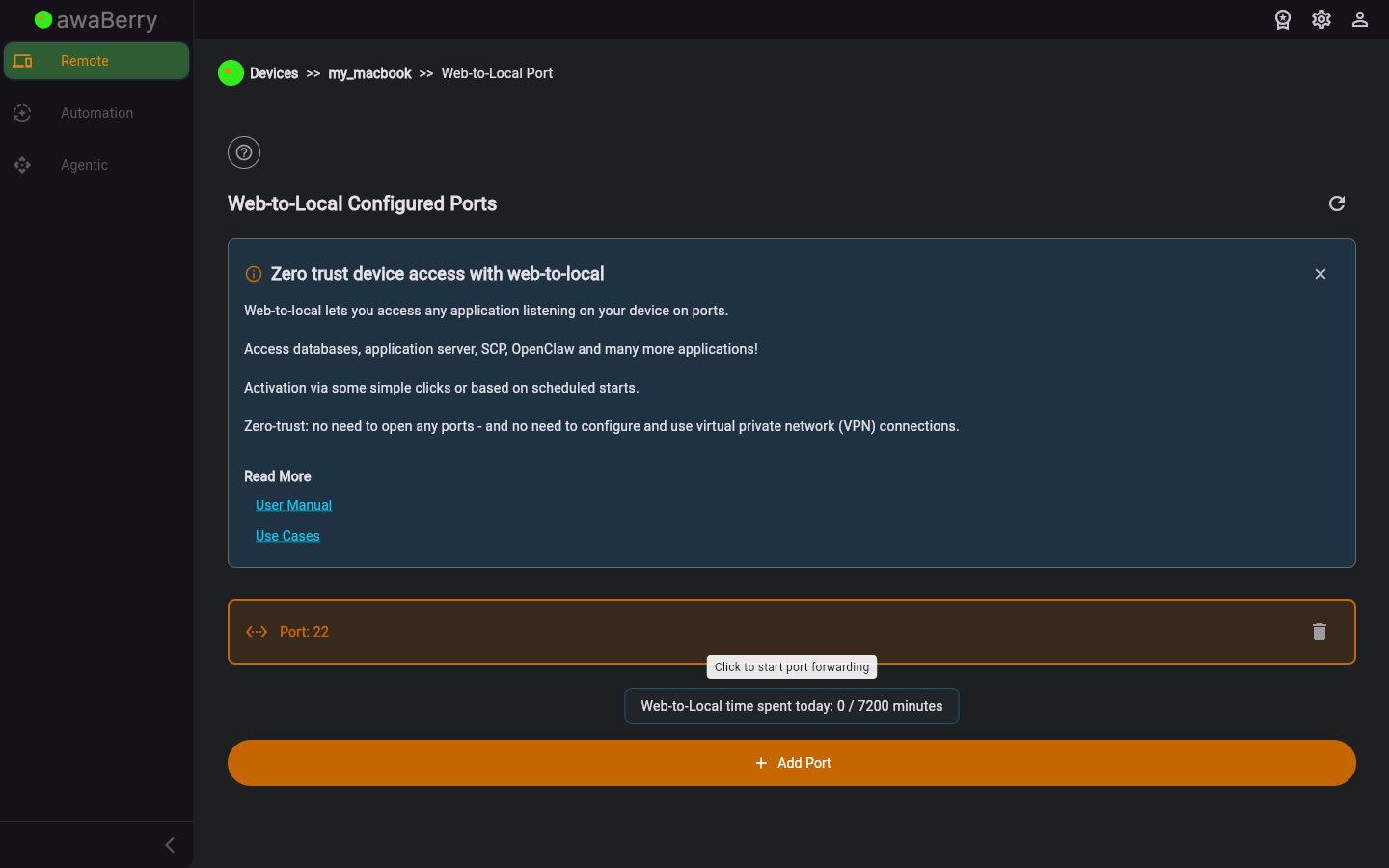
Screen after interaction
Scenarios
Start a remote desktop session
- Select a device from the Devices Overview and open its configuration panel.
- Click the Remote Desktop tab to navigate to
/devices_rdp. - The VNC/RDP canvas loads and you can interact with the device's graphical desktop.
- Click Disconnect to end the session and return to the device configuration panel.

