

User Manual
awaBerry | Bespoke Device Onboarding
Onboarding flow for provisioning a custom bespoke device, offering SoC and server sub-paths.
Bespoke Device Onboarding
Summary
This screen is the entry point for provisioning a bespoke (custom) device — either a System-on-Chip (SoC) or a dedicated server. It routes you to the appropriate detailed steps screen and may prompt for Wi-Fi credentials if the device connects over Wi-Fi.
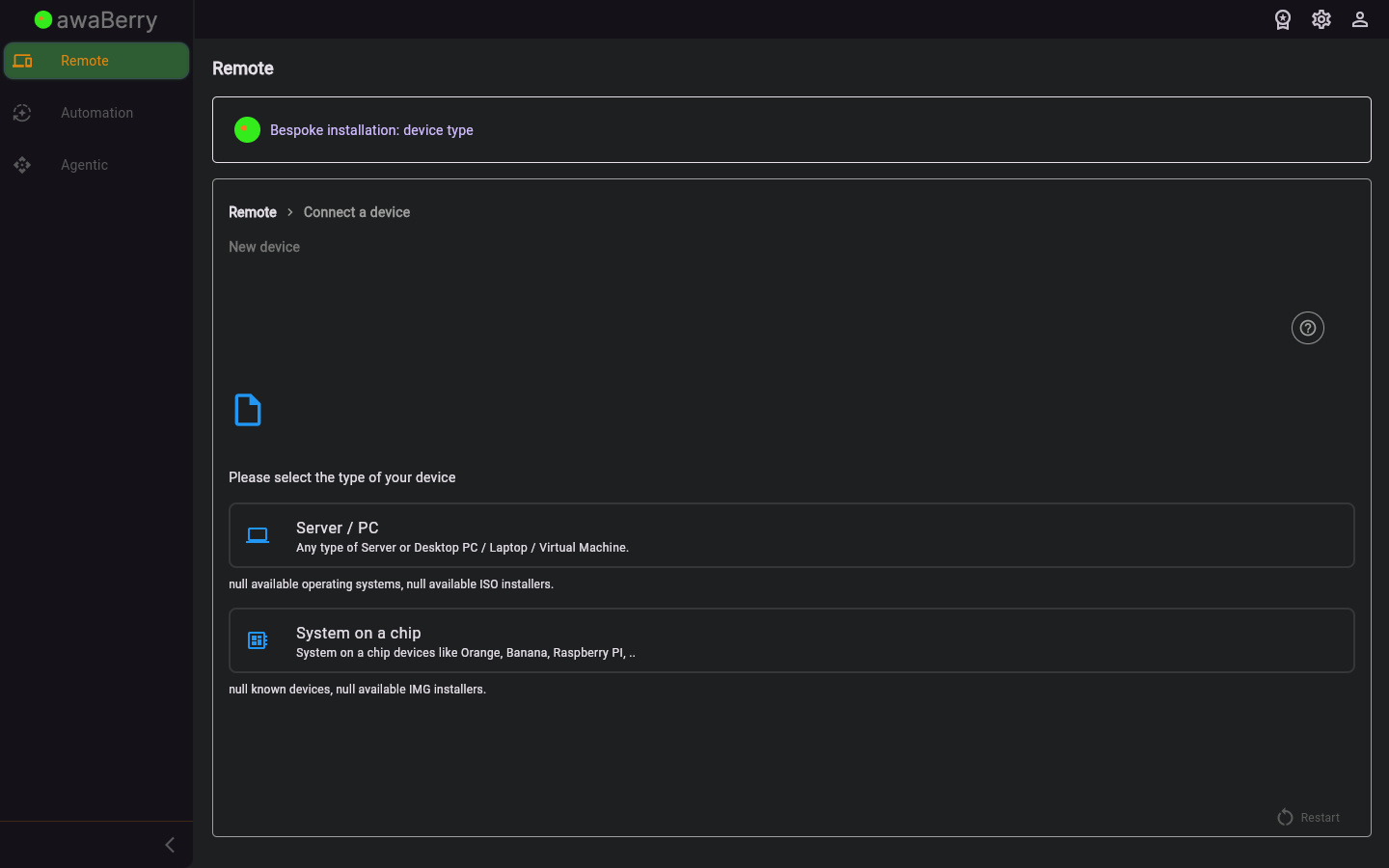
Screen on arrival
Page Functionalities
- SoC device option — Navigates to
/steps_newdevice_bespoke_socfor small single-board computers. - Server device option — Navigates to
/steps_newdevice_bespoke_serverfor full server installations. - Wi-Fi credentials form — If applicable, text fields for Wi-Fi Name and Wi-Fi Password (with show/hide toggle) to configure the device's wireless connection.
- Continue button — Advances to the next provisioning step.
- Restart button — Returns to the beginning of the connect wizard.
Scenarios
Provision a bespoke SoC device with Wi-Fi
- Arrive at
/steps_newdevice_bespokefrom the New Device screen. - Select SoC device.
- Enter the Wi-Fi name and password for the device's wireless network.
- Click Continue; the app navigates to
/steps_newdevice_bespoke_socfor detailed flashing steps.

