

User Manual
awaBerry | Connect to Shared Device
Steps to connect to a device that another awaBerry user has shared with you.
Connect to Shared Device
Summary
This screen walks you through joining a device that another awaBerry user has explicitly shared with your account. You provide the share code or accept a share invitation, and the device then appears in your Shared Devices tab on the Devices Overview.
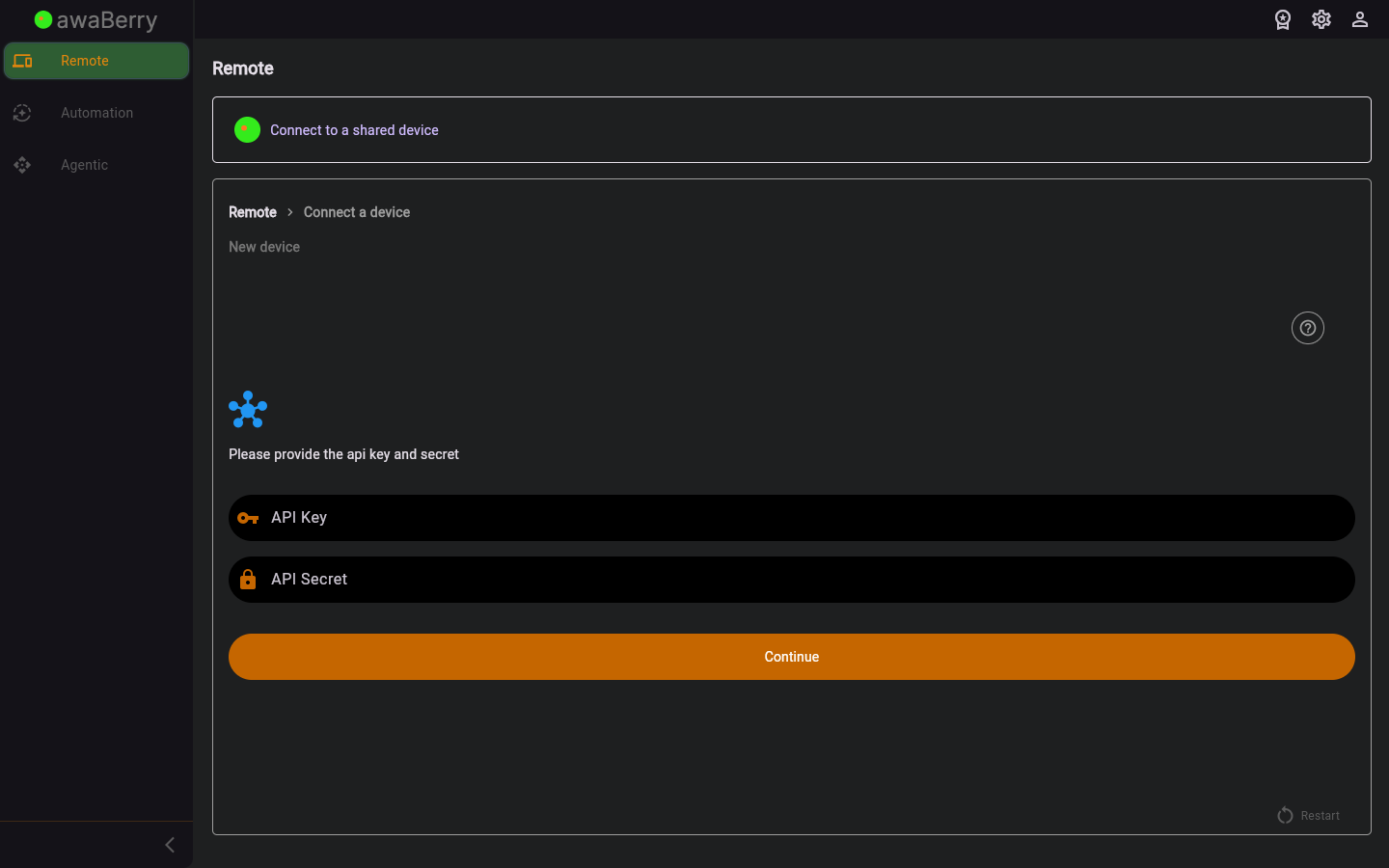
Screen on arrival
Page Functionalities
- Share code / invitation input — Text field to enter the share token provided by the device owner.
- Accept invitation button — Sends the share code to the server and registers the shared device under your account.
- Confirmation message — Shown after a successful join; device is now accessible from the Shared Devices tab.
- Restart button — Returns to the beginning of the connect wizard.
Scenarios
Join a shared device
- Obtain the share code from the device owner.
- Navigate to
/connect_steps_shared(via Connect Overview → Shared device). - Enter the share code in the input field.
- Click Accept.
- The device is added to your Shared Devices tab and is immediately accessible.

