

User Manual
awaBerry | New Device Onboarding
Entry point for provisioning a brand-new device, offering bespoke installer and downloaded installer paths.
New Device Onboarding
Summary
This screen is the starting point for adding a completely new device to your account. It lets you choose between a downloaded pre-built installer and a bespoke device path (SoC or server), and then routes you to the appropriate detailed steps.
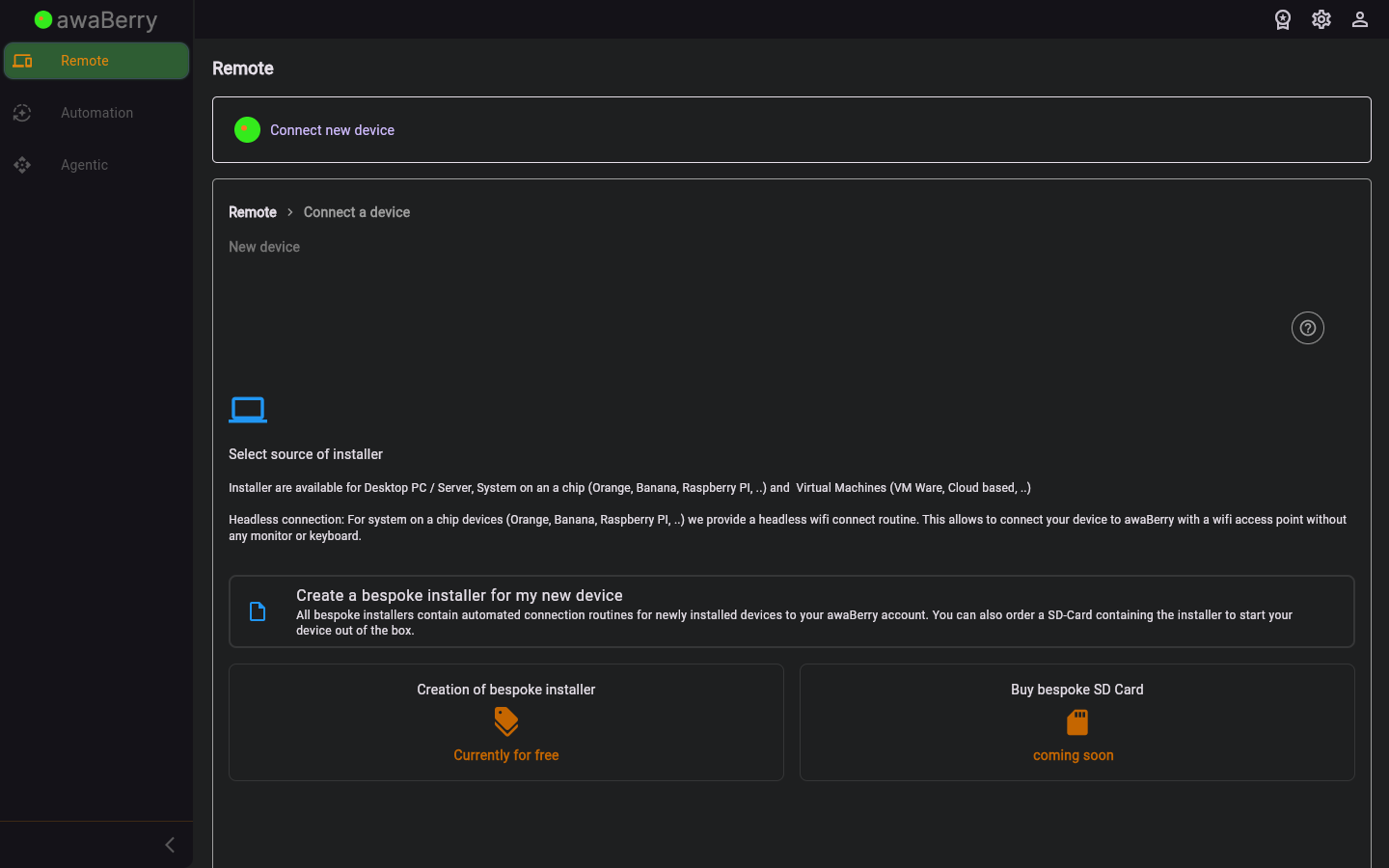
Screen on arrival
Page Functionalities
- Downloaded installer option — Navigates to
/steps_newdevice_downloadedfor pre-built OS images. - Bespoke device option — Navigates to
/steps_newdevice_bespokefor custom SoC or server provisioning. - Restart button — Returns to the beginning of the connect wizard.
Scenarios
Select the new device installation type
- Navigate to
/connect_steps_newdevicevia Connect Overview → New device. - Choose between Downloaded installer and Bespoke device.
- The wizard advances to the corresponding detailed steps screen.

