

User Manual
awaBerry | Connect Steps
General connection wizard step screen used as an entry point for the device onboarding flow.
Connect Steps
Summary
This screen is the shared wizard container for the connect onboarding flow. It loads the connect shell and sets the session step to steps, from which the user is guided through selecting or completing a specific connection method.
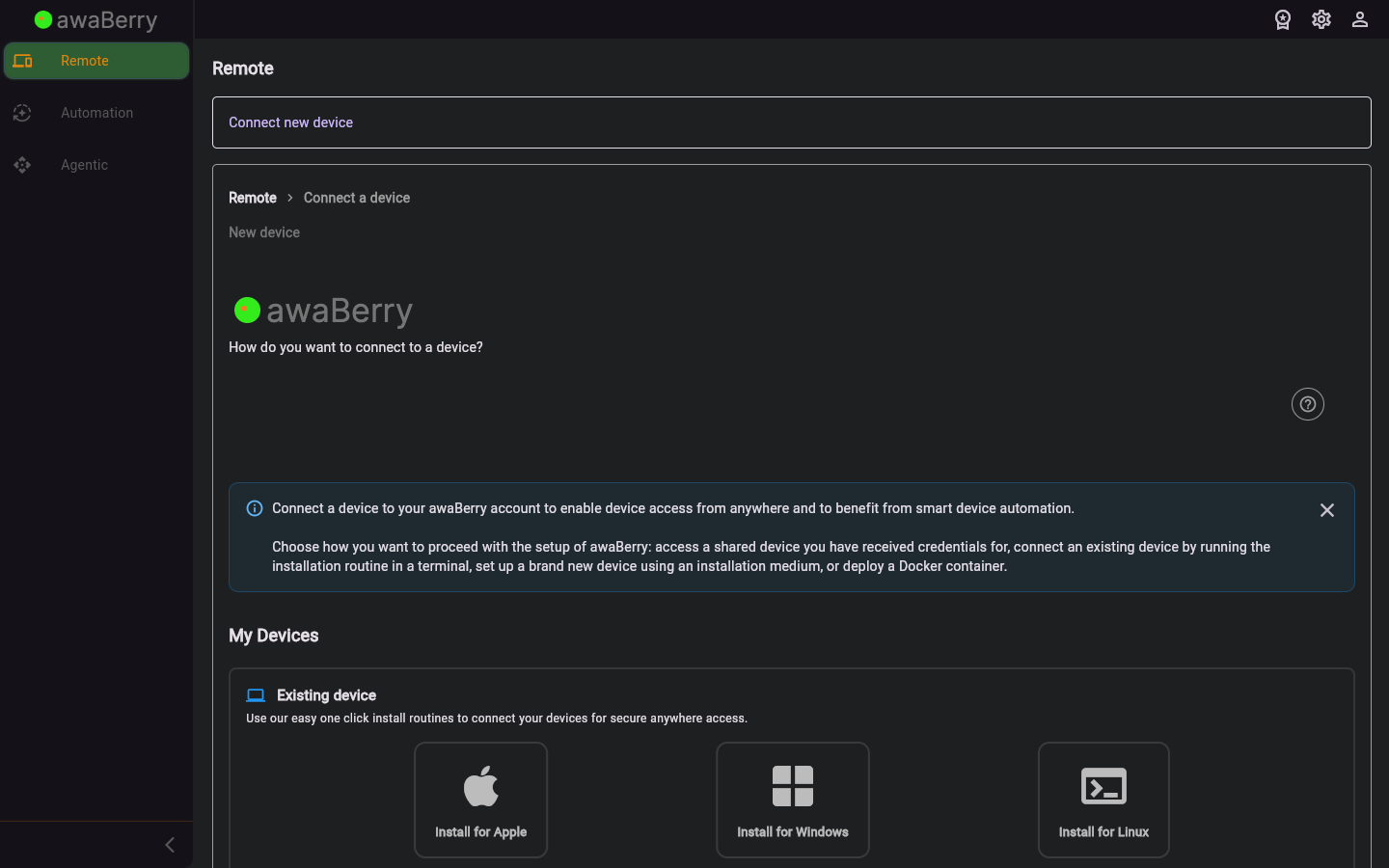
Screen on arrival
Page Functionalities
- Step wizard container — Hosts the multi-step connection flow rendered within the connect page shell.
- Step navigation — Progress indicator and forward/back controls to move between wizard steps.
- Restart button — Allows the user to restart the onboarding flow from the beginning.
Scenarios
Progress through the connection wizard
- Arrive at
/connect_stepsafter selecting a connection method from the Connect Overview. - Follow the on-screen instructions for each step (e.g., download installer, run command, enter Wi-Fi credentials).
- Click Continue to advance to the next step.
- On completion, the device appears in your Devices Overview.

