

User Manual
awaBerry | Register Account
Create a new awaBerry account with email and password, or via Apple/Google.
Register Account
Summary
The Register Account screen lets new users create an awaBerry account. You can sign up with an email address and a password, or use Apple or Google as your identity provider. Once registration succeeds you are directed to the email confirmation screen to verify your address.
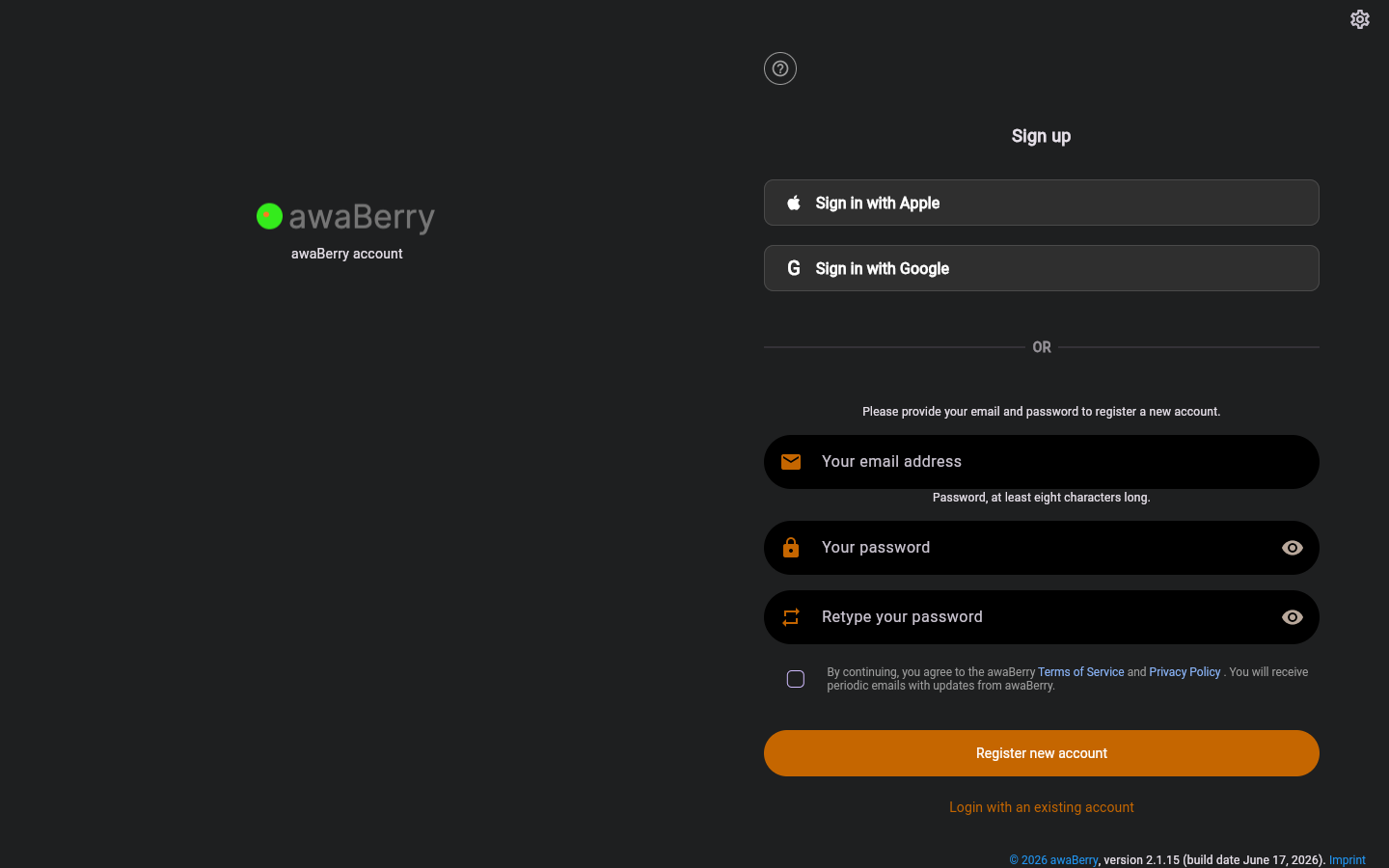
Screen on arrival
Page Functionalities
- "Sign in with Apple" button — Starts the Apple OAuth sign-up flow via
/signinwithapple?returnTo=/register. - "Sign in with Google" button — Starts the Google OAuth sign-up flow via
/signinwithgoogle?returnTo=/register. - Email field (TextFormField, hint: "Your email address") — The email address for the new account.
- Password field (PasswordFormField, hint: "Your password") — Must be at least eight characters. Eye icon toggles visibility.
- Retype password field (PasswordFormField, hint: "Retype your password") — Must match the first password field.
- Accept Terms checkbox — Must be checked before registration can proceed; links to the Terms of Service.
- ALTCHA human-verification widget — Shown after two or more failed submission attempts.
- "Register new account" button (ElevatedButton) — Submits the form and creates the account.
- "Login with an existing account" link — Navigates back to
/login. - Error banner — Shows registration failure messages above the form.
- Selected device info block — If the user arrived via a device-setup link, the target device is shown above the form.
Scenarios
Register with email and password
- Navigate to
/register. - Enter your email address.
- Enter a password (at least 8 characters).
- Retype the same password.
- Check Accept Terms.
- Click Register new account (or press Enter).
- On success you are redirected to
/waitforemailto confirm your address. - On failure an error banner explains the problem (e.g. email already registered).
Register via Apple or Google
- Click Sign in with Apple or Sign in with Google.
- Complete the OAuth flow in the browser.
- The app receives the session and logs you in automatically.
Already have an account?
- Click Login with an existing account to go to
/login.

