

Your awaBerry device arrives with enterprise-grade security active by default. The Device Security Settings panel gives you transparent control over every layer of protection — encryption, firewalls and SSH port exposure — without requiring cybersecurity expertise.
Products: awaBerry Anywhere — Remote
Key Features
Every security control is visible and manageable from the dashboard — no command-line expertise needed.
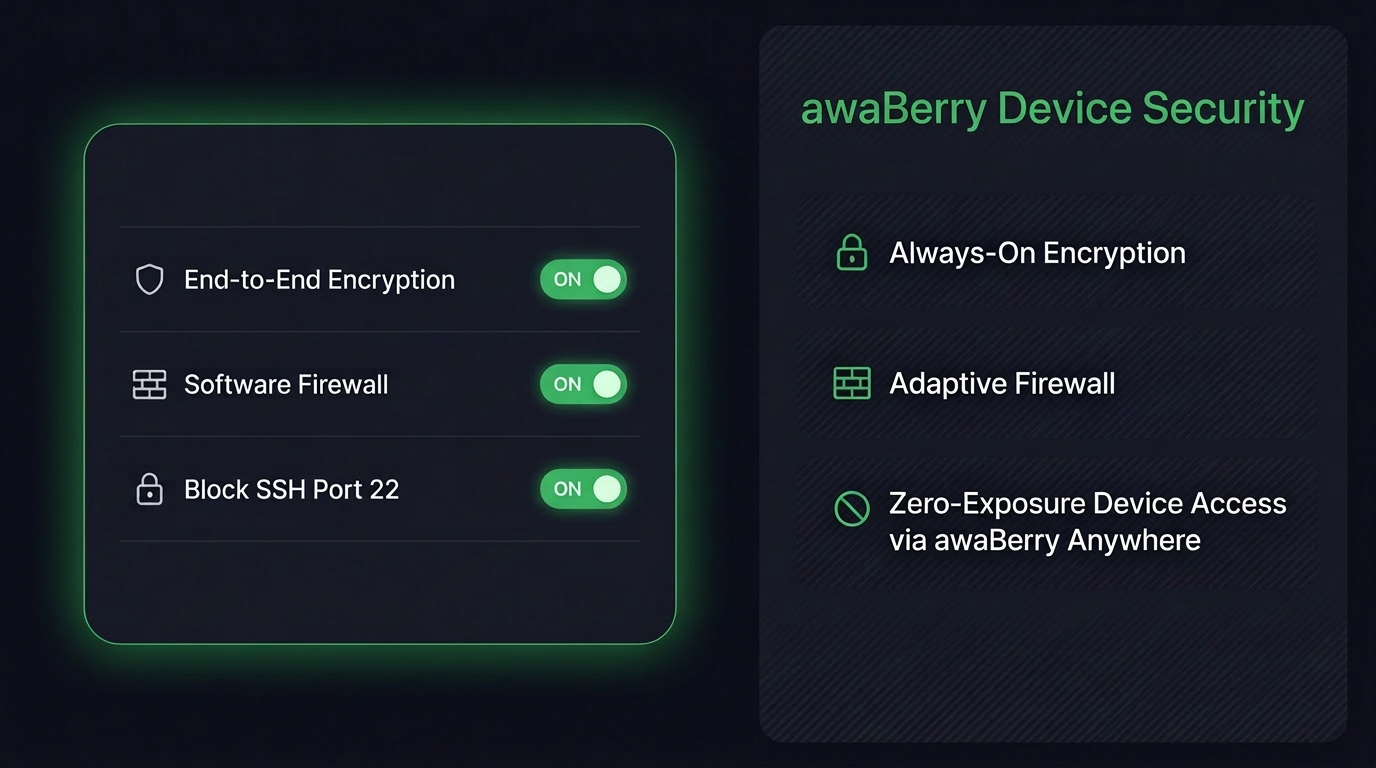
🔒 Always-On End-to-End Encryption
All communication with your awaBerry device is protected by robust end-to-end encryption by default. Activate or deactivate encrypted connections from the dashboard — though keeping it on is always recommended.
🧱 Flexible Firewall Management
Clear visibility into the device's built-in software firewall state. Platform-aware: seamlessly handles macOS native protections vs. Linux firewall tools, with clear UI indicators for each environment.
🚫 Smart SSH Port Control
Block SSH port 22 to eliminate one of the most common attack vectors. You retain full remote access securely through the awaBerry Anywhere tunnel — zero open ports, zero compromise.
⚙️ Automated Administrator Access
A secure, automated admin account handles software and OS updates in the background without manual intervention — Zero-Maintenance Security built in.
Key Benefits
Security Without Expertise
Always-On Encryption
End-to-end protection active by default. Every connection is encrypted — no configuration required to maintain the baseline security posture.
Adaptive Firewall
Hardware, Docker, or native OS-level — awaBerry works with your existing firewall setup and provides clear visibility into its current state.
Zero-Exposure SSH
Block port 22 while retaining full remote access via awaBerry Anywhere. Eliminate the most common attack vector without losing any functionality.
Plans
Start for Free. Scale as You Grow.
Business
Automate operations, manage fleets, and enable secure remote work for your entire team.
Try for Free
Private
Access your home devices, automate personal tasks, and share access with family — for free.
Freemium Plan Available
Research
Access lab hardware, automate data collection, and collaborate across institutions.
Request Free Usage

